Generate the target
Use GPT Image 2 to create a single strong visual reference. This sets taste, palette, composition, and the unforgettable object.
v15/v16 prototype · one image to site
The viral AI website demos leave out the actual recipe: art direction, stable assets, scroll scenes, masking, timing, fidelity, and mobile polish.
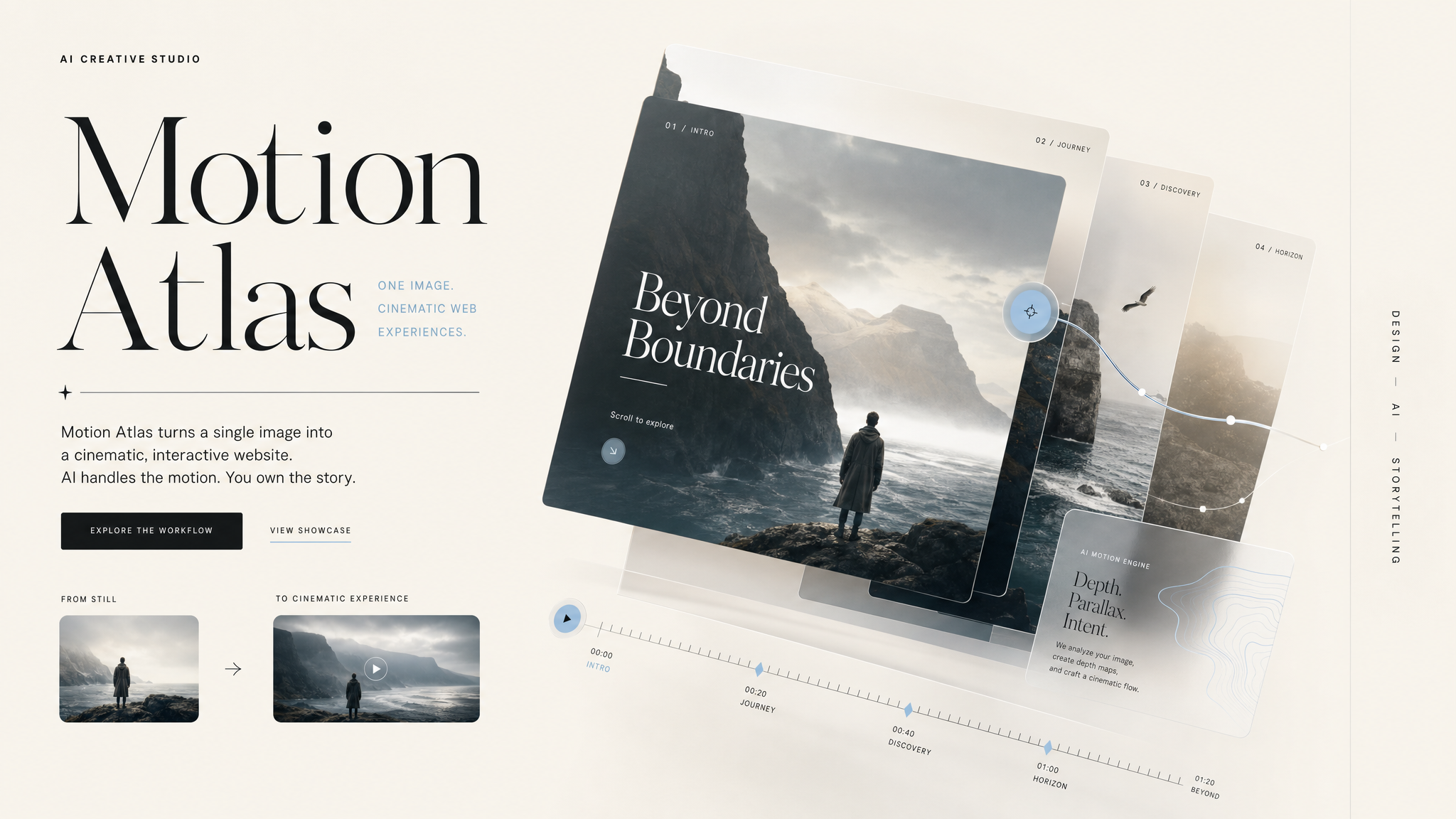
The hidden recipe
Use GPT Image 2 to create a single strong visual reference. This sets taste, palette, composition, and the unforgettable object.
Don’t rebuild every detail. Use the AI image as a hero plate, then extract/crop layers only where movement adds depth.
Local file paths, exact layout rules, typography, CTA hierarchy, and “do not invent random purple SaaS garbage.”
Build the premium feel with pinned scroll scenes, mask reveals, parallax separation, scale changes, and one clean easing system.
Compare screenshot to reference. Fix crop, spacing, type scale, shadows, rhythm, and mobile before calling it “done.”
Scroll expands the plate, isolates the focal area, then reveals the offer layer on top. That’s the part most demos skip.
Reusable system
Build a cinematic landing page from this AI hero reference.

Assets:
- Reference image: assets/motion-atlas-reference.png

Rules:
1. Use the reference as the visual source of truth.
2. Preserve the image magic as a major hero plate.
3. Recreate nav, headline, CTA, cards, and layout in code.
4. Add a pinned scroll scene where the image expands, masks, and reveals an offer panel.
5. Use refined editorial typography, warm paper background, black/white, and #BBDCEF accent.
6. No generic SaaS gradients. No clutter. No fake complexity.
7. Mobile must stack cleanly and keep the hero visual visible.

Motion pass:
- Hero layers drift subtly with cursor.
- On scroll: hero plate scales, mask window opens, copy card fades up.
- Use one easing language. Premium, not bouncy.

Fidelity pass:
Compare against the original visual direction and fix spacing, crops, shadows, type scale, and CTA hierarchy.
Video packaging
Cold open with the result. Then reveal the real workflow. The win is not “AI made a site.” The win is giving people a repeatable system for making AI sites feel expensive.